TL;DR: With the right AI-assisted workflow, an experienced full-stack engineer can pick up a completely unfamiliar tech domain — for me, that was React Native/Expo mobile development — and ship a working, polished product. The tooling didn’t do the work for me, but it collapsed the learning curve enough that domain expertise stopped being a gatekeeper.
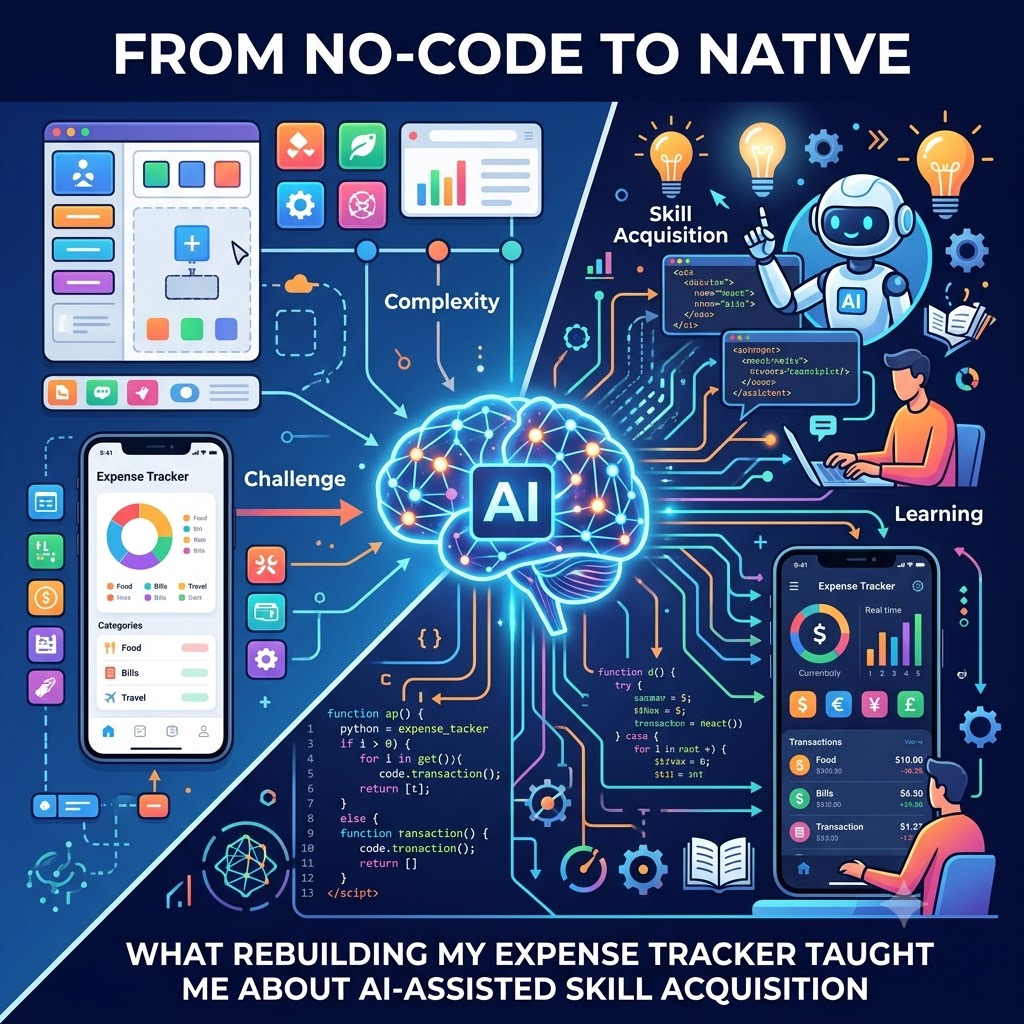
Generated AI image by Google Gemini Nano Banana
Introduction
A few months now, I’ve been working on my personal finance tracker lived inside Glide — a no-code app builder that got me from idea to “something I could use” for my own needs. It did its job. But every time I wanted a slightly different chart, a different navigation pattern, or just a UI that didn’t feel like a template, I hit a wall. Glide is great for speed; it is not great for control.
I’ve been using Glide mobile app for several years keeping track of my expenses and I thought it does pretty good job. A simple mobile app that I ‘built’ without actual mobile development experience. Until its major constraints starting to surface which irked my mobile experience when Glide decided to make unannounced changes to its UI template - without my consent 💢🚫🤬. I’ve been meaning to move away from Glide app platform since then. I really want to own the entire mobile development process by myself.
With AI - it handed me that opportunity.
So I did something I hadn’t done in twenty-plus years of shipping software: I built a mobile app from scratch. Not a prototype, not a toy — a real Expo/React Native app, backed by Supabase, now handling hundreds of real transactions across income, expenses, and budgets.
What made this possible wasn’t that I secretly had mobile dev experience I’d never mentioned. I didn’t. It’s that I paired deliberate, AI-assisted development with the same engineering discipline I’d apply to any unfamiliar backend system, and treated “I don’t know React Native” as a solvable constraint rather than a blocker.
In this post, I’ll walk through what that migration actually looked like, what the AI-assisted workflow got right, where it didn’t replace judgment, and why I think this pattern generalizes to any engineer facing an unfamiliar stack.
By the end of this post, you’ll understand:
- Why no-code tools hit a UI/UX ceiling that custom development doesn’t
- How I approached learning Expo/React Native as a backend-leaning engineer
- Why AI-assisted tooling changes the calculus on “domain-agnostic” engineering
The Starting Point: A Purple App With a Ceiling
The original version of my expense tracker was built in Glide — a perfectly functional purple-themed app with tabs for Home, Expenses, Category tabs only. It tracked hundreds of transactions, showed year-over-year spending trends, and let me log expenses and categories of expenses on the go.
The problem wasn’t functionality. It was flexibility. Glide’s component library is fixed. Want a custom chart interaction, a different card layout, or a navigation flow that doesn’t fit the template? You’re stuck. Every UI decision was really Glide’s decision, not mine. As someone who spent two decades caring about clean architecture and maintainable systems, handing that control to a no-code layer started to itch.
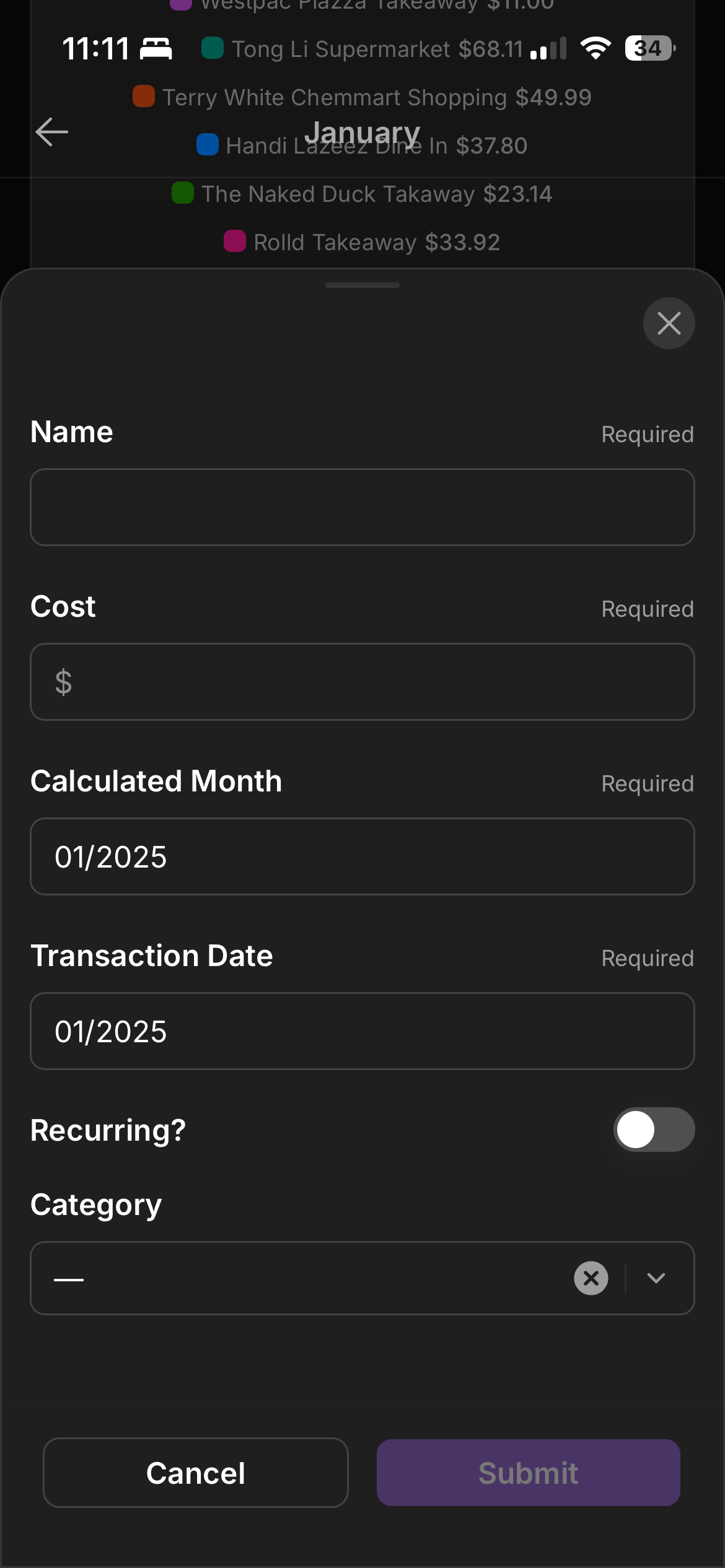
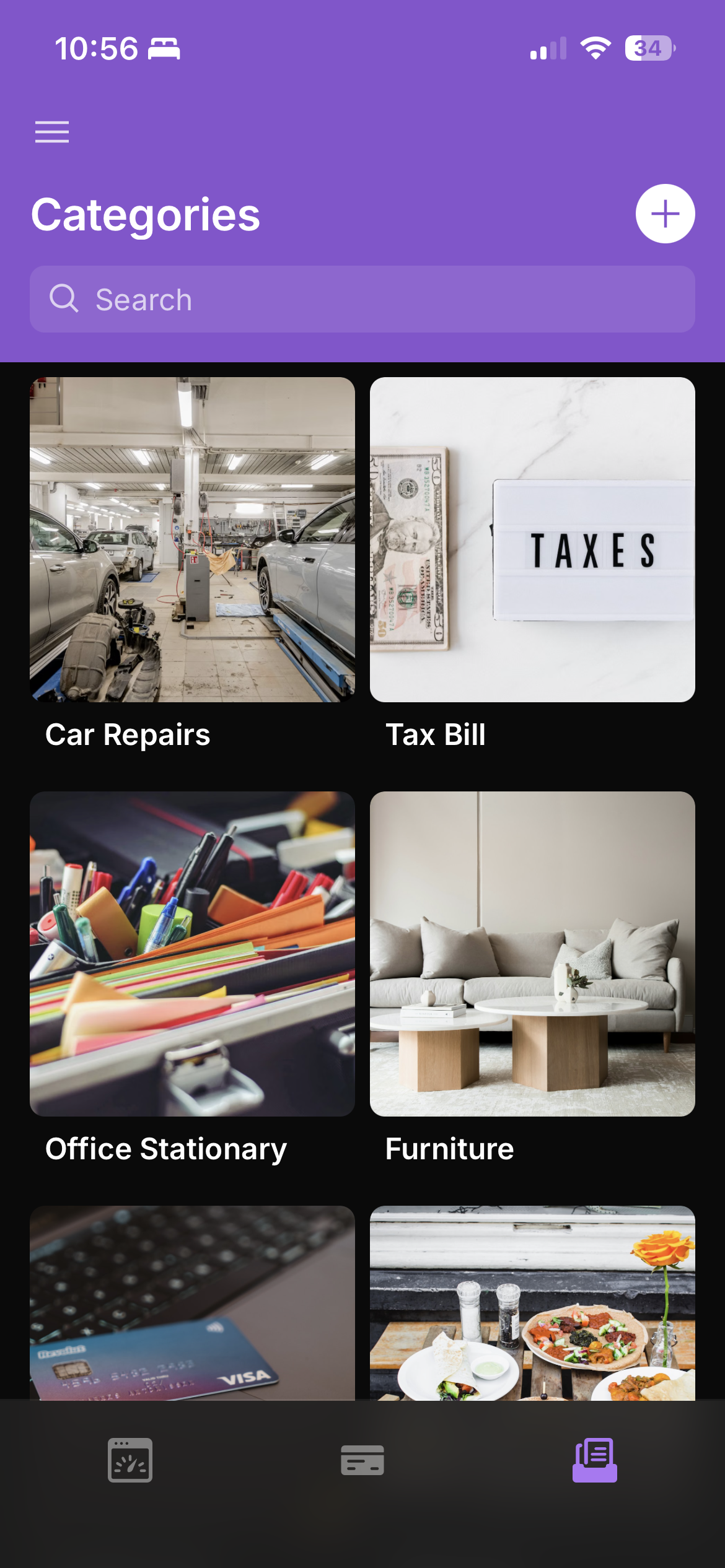
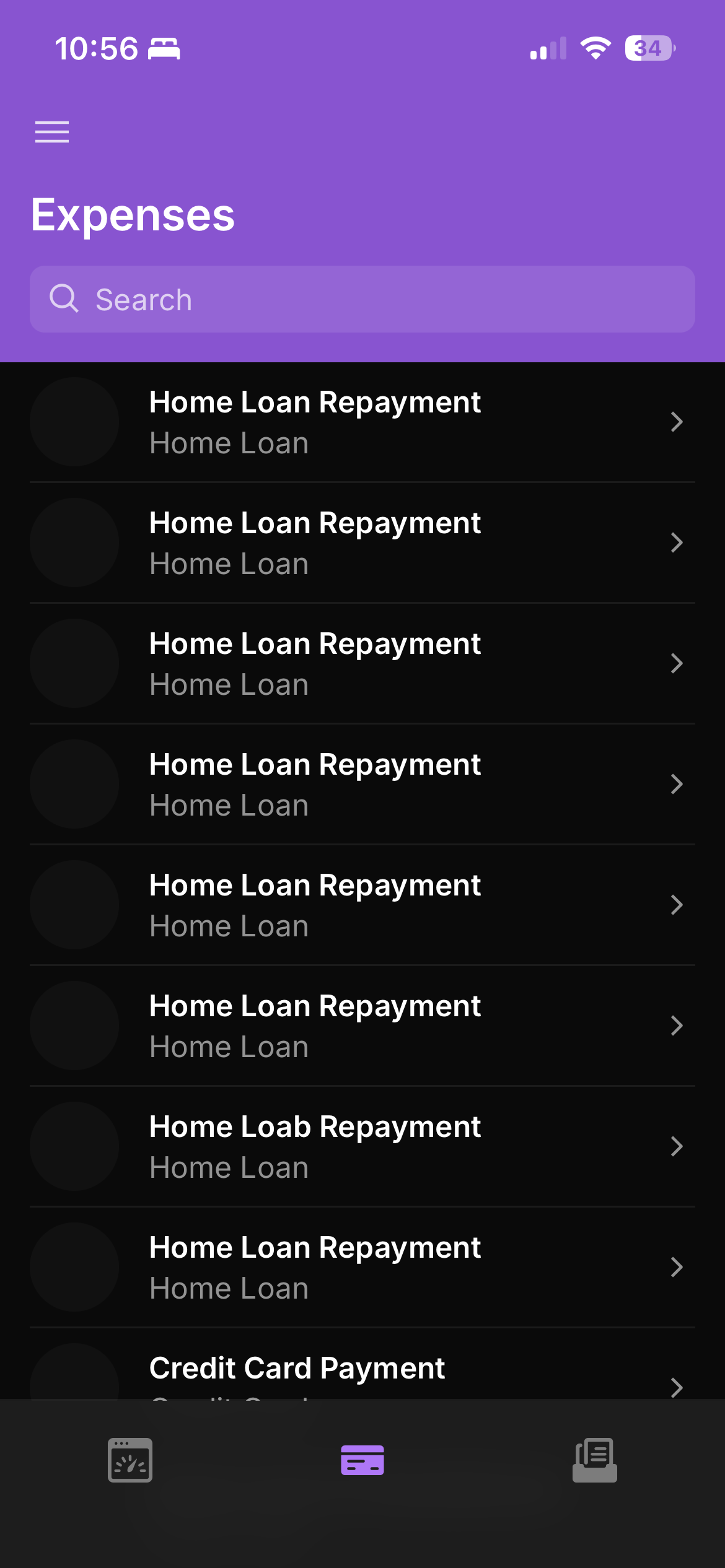
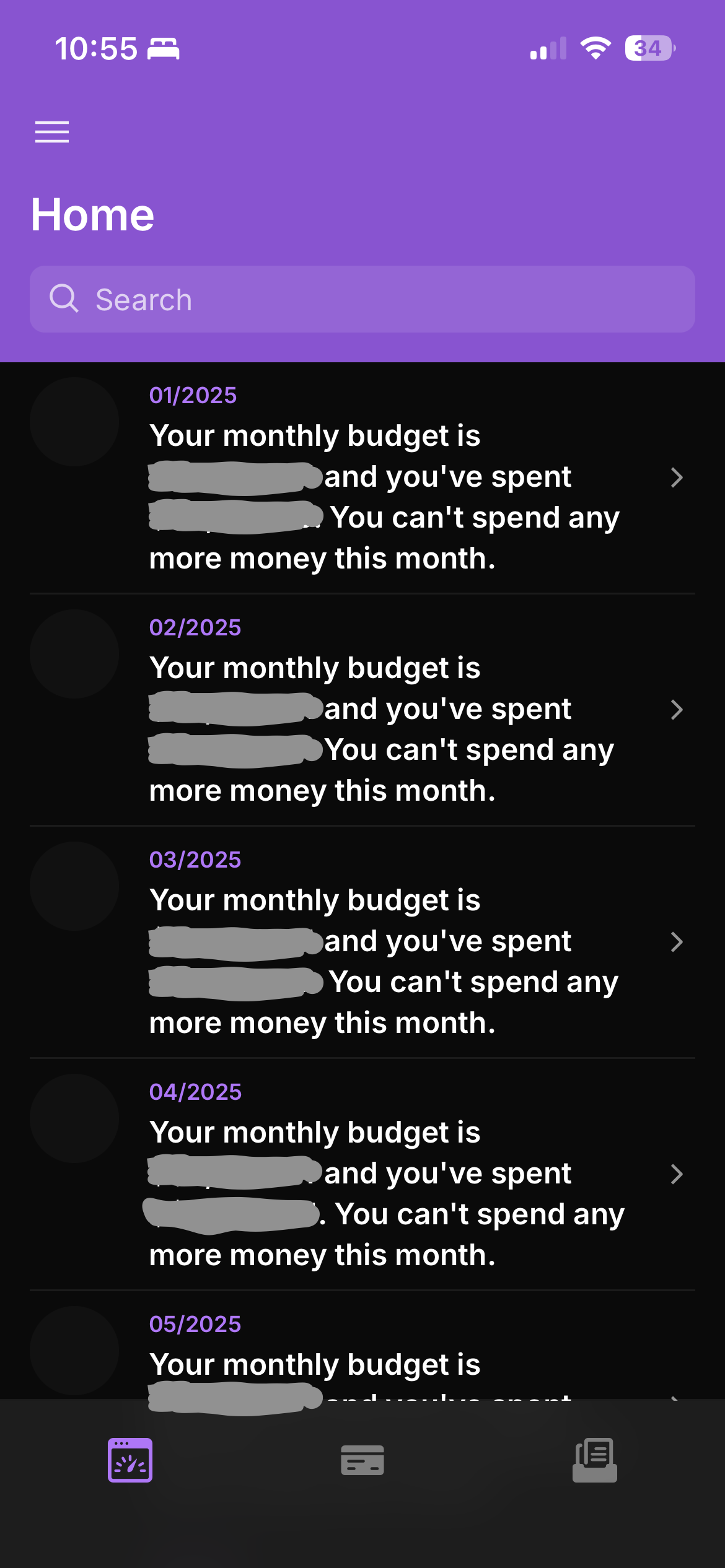
The original Glide build: fast to ship, but every screen shares the same rigid template — no custom charts, no bespoke navigation, no brand identity beyond a colour swap.
Reframing the Problem: Domain Gap, Not Skill Ceiling
Here’s the mental shift that mattered most: I stopped treating “I’ve never built a mobile app” as a statement about my ceiling and started treating it as a statement about my current context window.
I already knew the shape of the problem — monorepo structure, data modeling, state management, API design, TypeScript. What I didn’t know was Expo’s conventions, React Native’s component model, and the mobile-specific gotchas (navigation stacks, platform-specific styling, native module quirks). That’s a narrower gap than “learn mobile development from zero,” and it’s exactly the kind of gap AI-assisted tooling such as Cursor or Claude or similar is good at closing quickly — not by writing the app for me, but by acting as a fast, contextual reference for a stack I hadn’t internalized yet. (PS: I lied about just being backend-learning engineer. I was doing front-end developer early part in my career before pivoting away from it. So I got good head start with that fundamentals in the beginning already!)
Key points:
- The underlying engineering skills (data modeling, API design, testing discipline) transferred directly
- The unfamiliar surface area was narrower than it looked — mostly framework conventions, not new fundamentals
- AI tooling is most valuable exactly at that boundary: translating known concepts into unfamiliar syntax and idioms
Common Pitfalls to Avoid
Treating AI output as done rather than draft
- What happens: You accept generated navigation or state logic without understanding why it works
- Why it’s problematic: You end up with a codebase you can’t debug when it breaks
- Better approach: Ask the tool to explain the Expo Router or state pattern it just used before moving on — treat it like reading a colleague’s PR, not copying an answer key
Skipping the data-layer groundwork
- What happens: Screens end up talking to Supabase directly, with query logic and types scattered across components
- Why it’s problematic: Every schema change turns into a hunt-and-fix across the codebase instead of a single, contained update
- Better approach: Define your types and API client as a dedicated layer from day one, so screens only ever consume it — never talk to Supabase directly
The Rebuild: Expo and Supabase
The new architecture is an Expo/React Native app sitting on top of Supabase for auth, database, and storage. This is a genuinely different shape of system than the banking platform and API work I’ve spent most of my career on, and that was the point.
Here’s roughly what the structure looks like conceptually:
expense-savings-tracker-mobile/
├── app/                  # Expo Router screens (Home, Expenses, Wallet, Statistics, Profile)
├── components/           # Reusable UI — cards, list rows, charts
├── lib/
│   ├── types.ts          # TypeScript types matching the Supabase schema
│   └── api-client.ts     # Supabase client + query logic
└── supabase/
    └── schema.sql        # Source of truth for the data model
This example demonstrates the core idea by keeping the data layer separate from the UI: every screen consumes lib/api-client.ts rather than talking to Supabase directly, so a schema change only needs to be reflected in one place. Notice how the app/ and components/ folders only contain rendering logic — everything else is a clean, typed interface underneath.
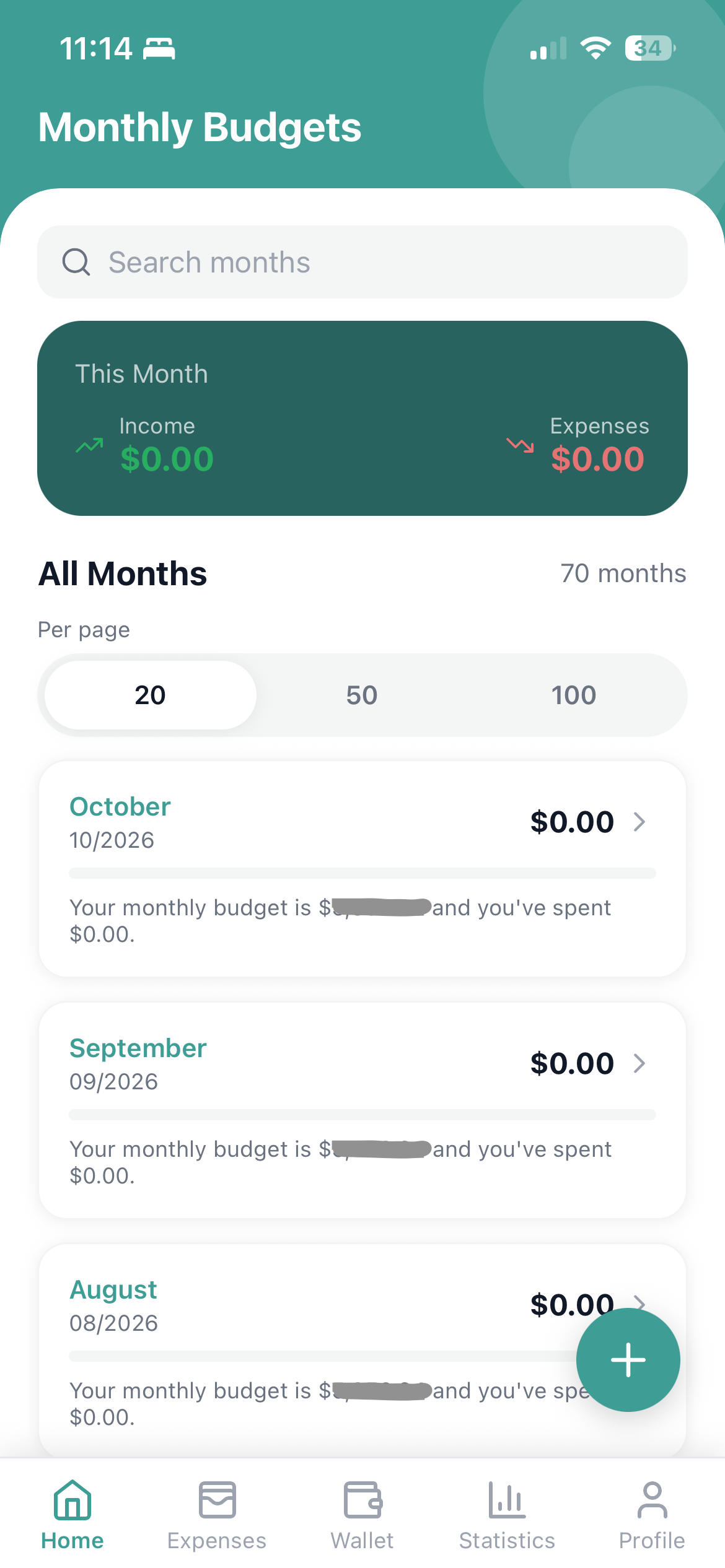
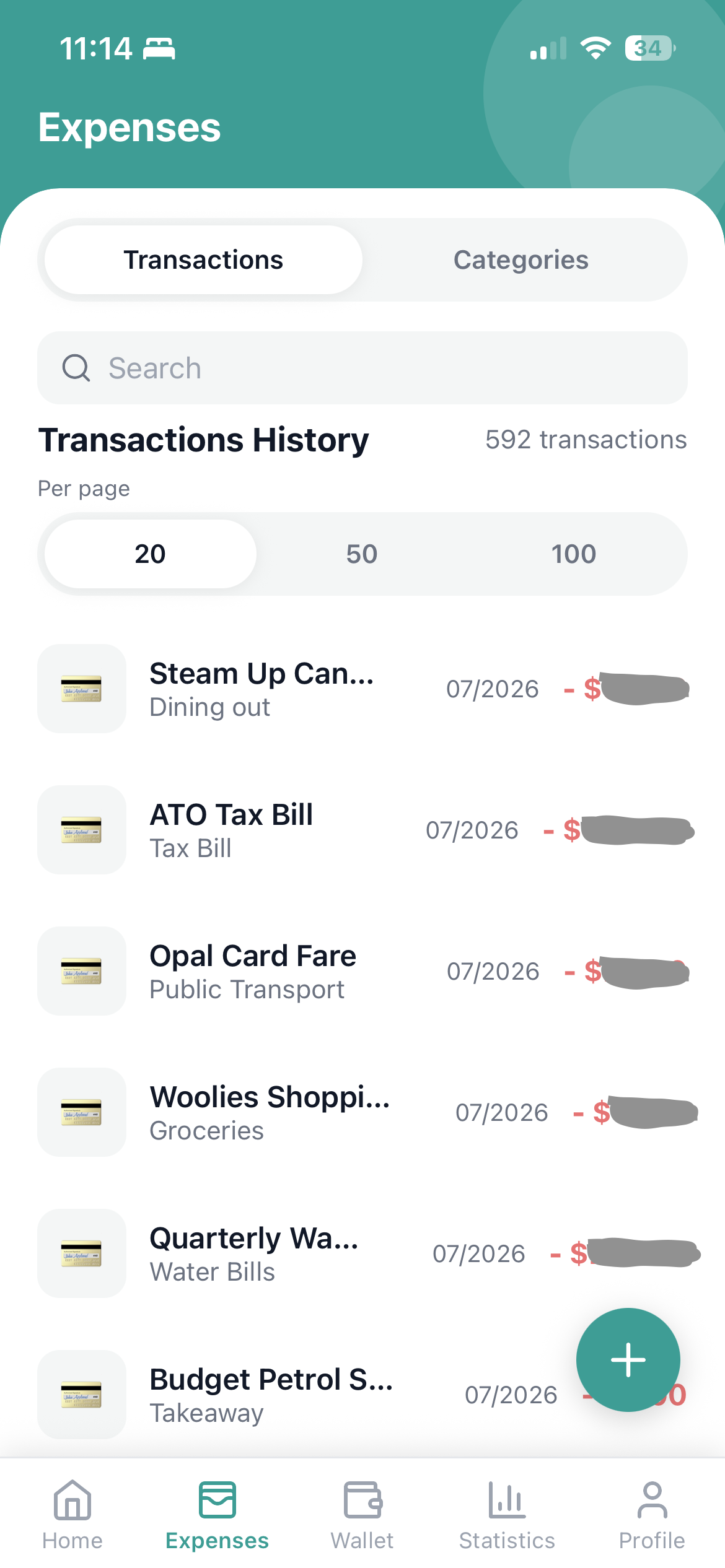
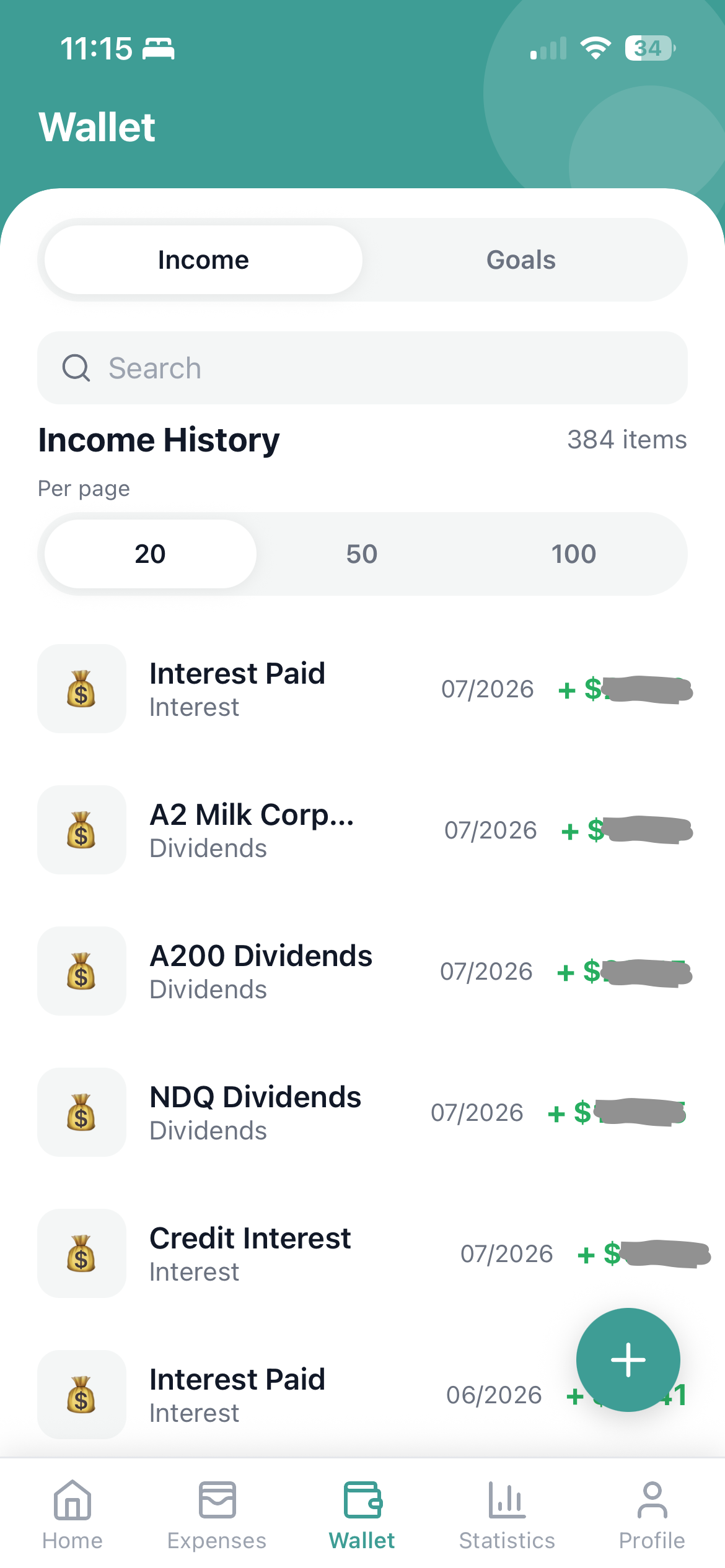
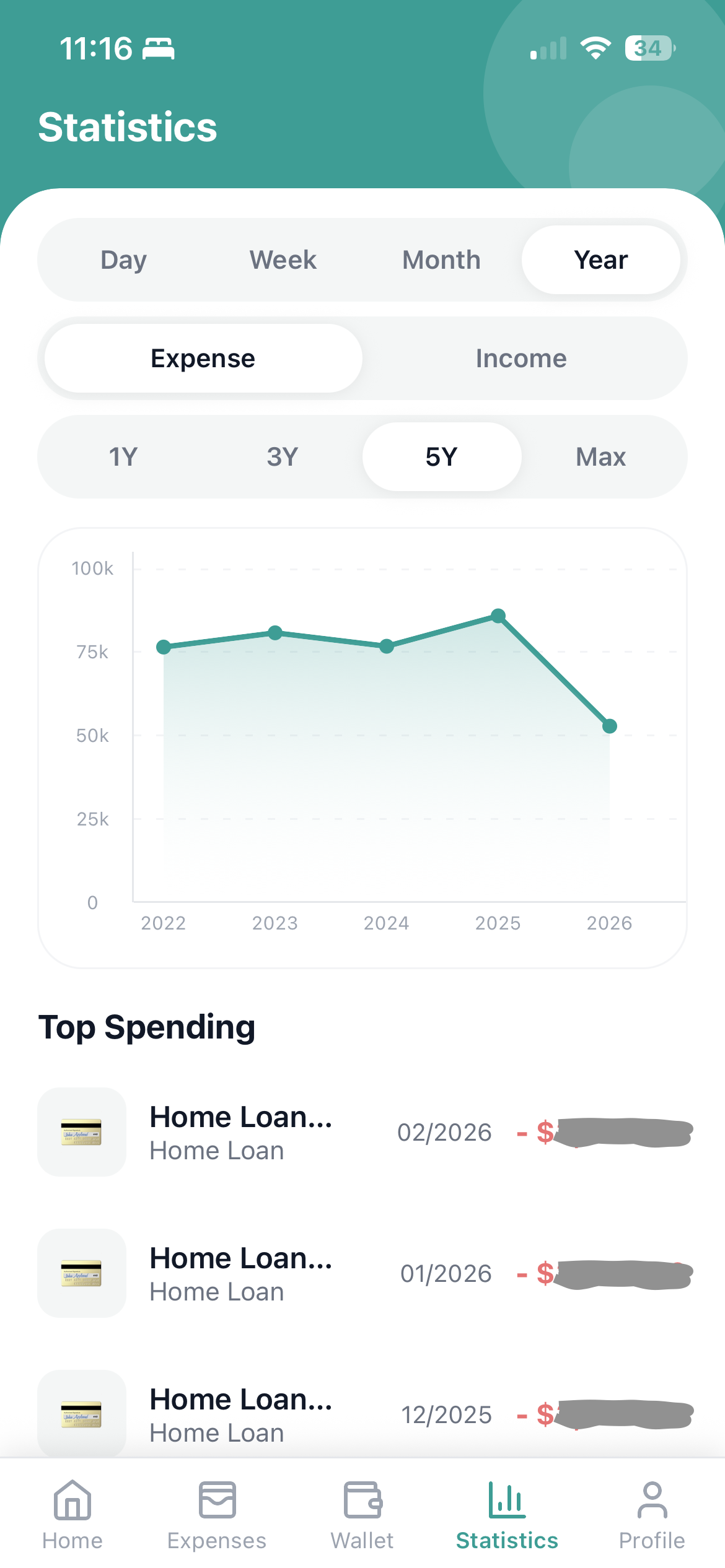
The rebuilt Expo/React Native app: same underlying data, fully custom UI, and entirely new views (like Wallet) that the no-code template couldn’t accommodate.
Best Practices and Recommendations
Do’s ✅
- Do build the data layer first: Your types and Supabase queries are the part that doesn’t care what screen ends up rendering them
- Do ask the AI tool to explain, not just generate: For genuine skill transfer instead of copy-paste debt
- Do keep your existing engineering discipline intact: Code review habits, type safety, and testing don’t change just because the framework is new
Don’ts ❌
- Avoid skipping the “why” behind framework conventions: It leads to a codebase you can extend only by asking the AI tool again, every time
- Don’t assume feature parity means architectural parity: Mobile navigation, gestures, and platform quirks are a real domain, not a skin
- Never treat the no-code migration as “done” the day it compiles: Real validation is weeks of daily use with real transactions
Troubleshooting Guide
| Problem | Cause | Solution |
|---|---|---|
| Types drift between screens | Components querying Supabase directly instead of through a shared client | Centralize types and queries in one lib/api-client.ts and import everywhere |
| Navigation feels unfamiliar coming from web routing | Different mental model (stack/tab navigators vs URL routes) | Spend focused time on Expo Router’s file-based routing before building screens |
| AI-generated code “works” but you can’t explain it | Accepting output without a review pass | Ask for a walkthrough of the generated code before integrating it |
Conclusion
The purple Glide app got me started. The green Expo app is the one I actually own — architecturally, visually, and in terms of what it can become next. What changed in between wasn’t a sudden burst of mobile development talent; it was a deliberate, AI-assisted approach to closing a specific, well-scoped knowledge gap using engineering fundamentals I already had.
That’s the bigger takeaway for anyone who’s spent years specializing in one part of the stack: the boundary between “backend engineer” and “full-stack, technology-agnostic engineer” is a lot more permeable now than it used to be. The fundamentals still have to be there. But with the right AI-assisted workflow, the unfamiliar surface of a new domain stops being the thing that keeps you out of it.
Your next steps:
- Pick one project where a no-code or off-the-shelf tool is capping what you can build
- Scope the actual unfamiliar surface area — it’s usually smaller than “learn X from scratch”
- Use an AI-assisted workflow to close that gap deliberately, explaining as you go rather than accepting output blindly
With that, the whole world of unknown software engineering domains to explore becomes limitless at your disposal!
For my next exciting pet project coming out from all this, I’m thinking of designing and building my personal finance dashboard that monitors the personal financial well-being overall. So stay tuned.
Till next time, Happy Coding!